Space Cowboy — the visual file wrangler for PC. See what's eating your disk and wrangle it.

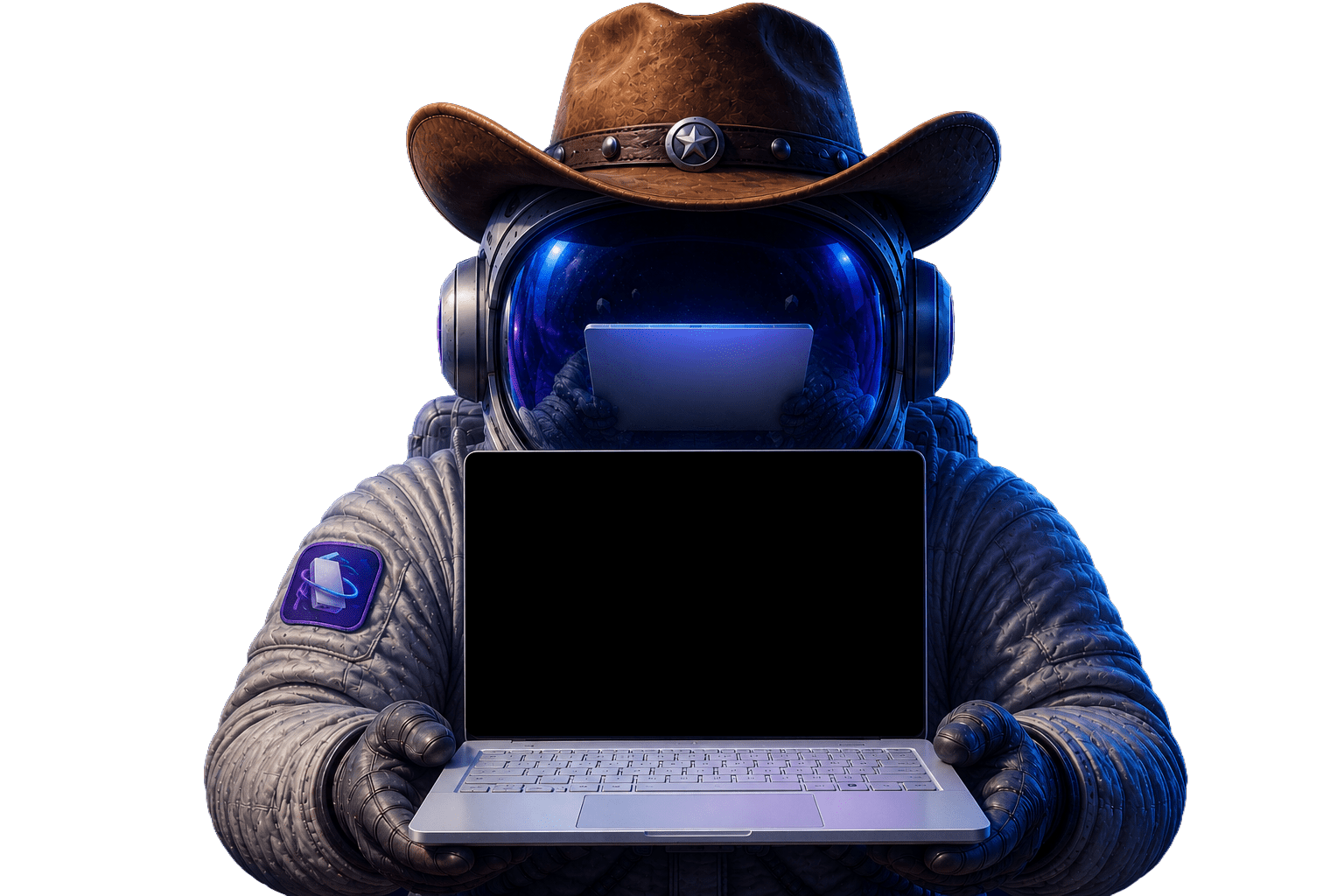

Scan your Windows drive in seconds, see every file by size, and clear out the space hogs — safely.
Your whole drive,
in one picture.
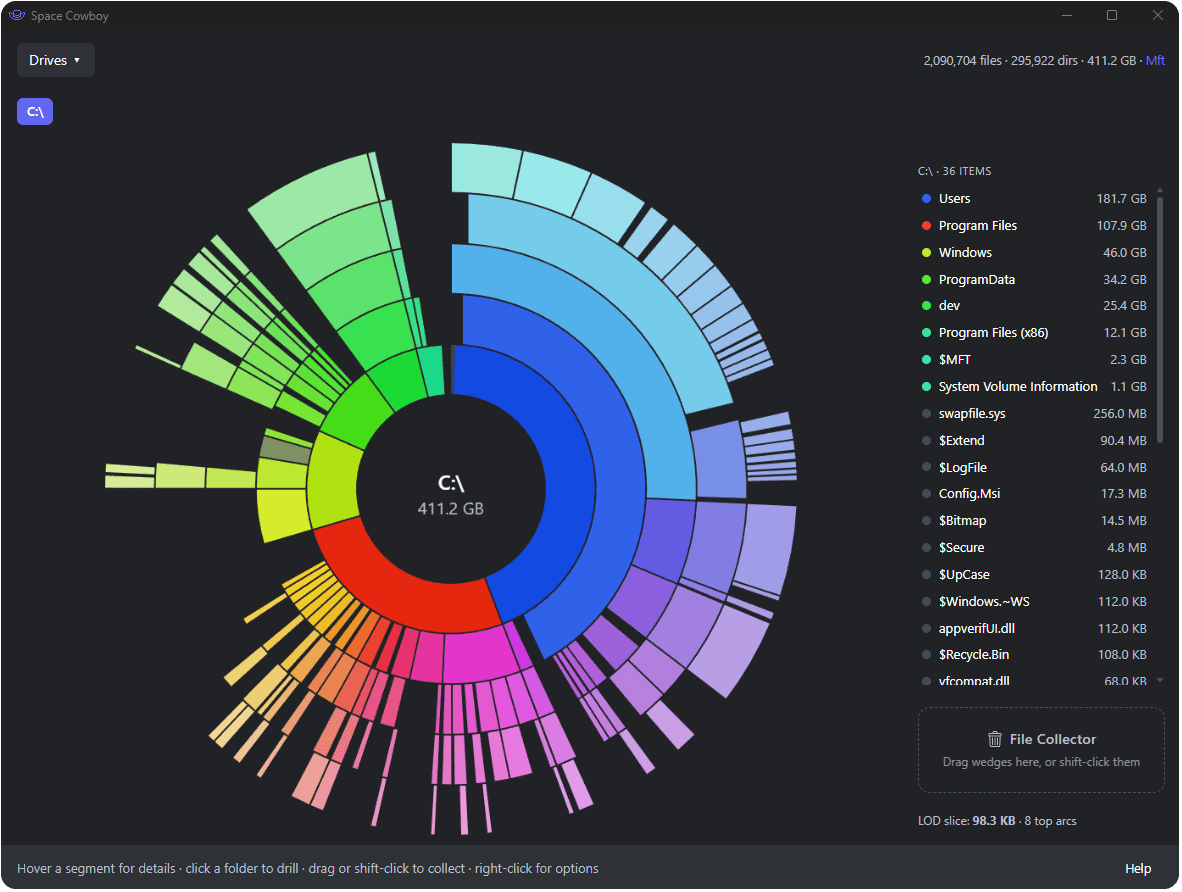
An interactive radial graph where bigger really is bigger. Click any folder to dive in. No endless file lists, no guesswork — just your storage, made obvious.
Defeat the Space Hogs
Reclaim your drives

Color does the explaining.
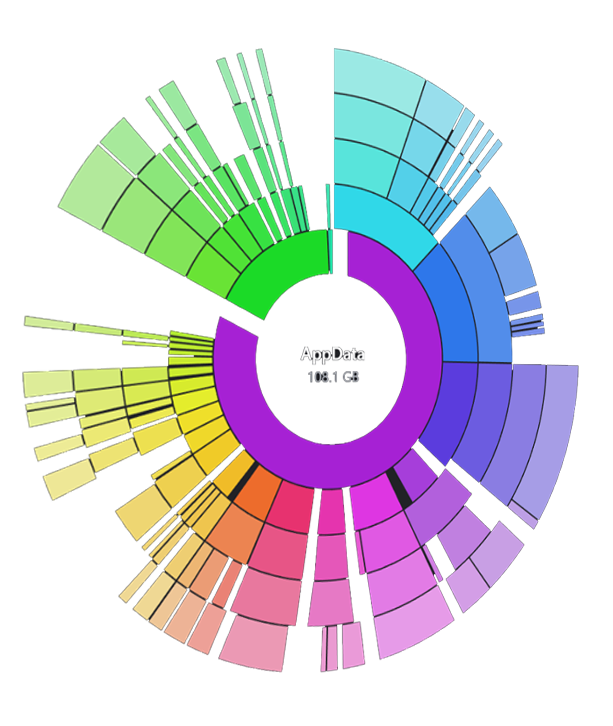
Every ring is a level deeper; vivid, color-coded families keep related files easy to follow. Drill into any folder with a single, smoothly animated click — and a breadcrumb trail to find your way back.

It won't let you break Windows.
System locations are blocked from deletion, enforced by the app itself. Deletes go to the Recycle Bin by default, with a 5-second countdown so you can always back out.
Built for the moment your SSD says “almost full.”
Size-ranked list
A live side panel ranks everything in the current folder largest-first, color-matched to its ring.
The Holding Pen
Drag files and folders into a staging area, watch the reclaimable total add up, then clear the batch at once.
Recycle or remove
Recoverable by default — send to the Recycle Bin, or delete permanently with a 5-second safety countdown.
Quick actions
Right-click any item to reveal it in Explorer, open it, collect it, or delete it — no detours.
Live updates
The map reflects changes other apps make while it's open — no manual rescan required.
Private by design
Your data never leaves your PC. Scans run locally — no accounts, no telemetry, nothing about your files ever uploaded.
Powerful enough to read your raw disk. Careful enough to never hurt it.
The main app runs without admin rights. Reading the raw disk is isolated into a tiny, auditable helper that runs only during a scan — your one UAC prompt. No telemetry, no uploads, no accounts. What's on your disk stays on your disk.
Beautiful, fast, and safe — all at once.
Round up wasted space.
In seconds.
For Windows 10 & 11. A 6 MB download — $9.99 one-time, no subscription, no account, no telemetry.